Wildlife
Connecting two PC's two one Monitor
13 replies 1594 views
13 replies 1594 views
12-05-2024, 07:20 PM
I have an LG Monitor with two HDMI ports. Is it possible to connect two PC computers to the LG Monitor without having to have a KVM switch? The better ones seem to be fairly expensive. I guess I would only have to have just one HDMI port if I need the KVM switch. How would I switch back and forth from one HDMI port to the other?
I have an iMac. My wife and daughter will be using the two PC's. I am not that familiar PC computers.
Steve Johnson
I have an iMac. My wife and daughter will be using the two PC's. I am not that familiar PC computers.
Steve Johnson
12-06-2024, 01:05 PM
Unless there's a switch on the monitor, I don't see how you can accomplish that. If you don't want to buy a KVM, manually swap one cable from the monitor between the PCs. You can do it when they're turned on. Or make everyone happy and buy another display, making sure the resolution matches or exceeds that of the PC.
12-06-2024, 02:01 PM
I believe the hdmi ports on the TV only support 420 chroma so text or other shape boundaries will look pretty ugly (certainly check the manual--this may have changed since I bought my LG OLED TV). Better to use the display port which will do 444 chroma. Then you'll need the switch. Better to use a switch versus changing plugs.
If you do elect to use the hdmi ports, then you can plug two computers in and switch via the TV input selector.
If you do elect to use the hdmi ports, then you can plug two computers in and switch via the TV input selector.
12-06-2024, 02:22 PM
I believe the hdmi ports on the TV only support 420 chroma so text or other shape boundaries will look pretty ugly (certainly check the manual--this may have changed since I bought my LG OLED TV). Better to use the display port which will do 444 chroma. Then you'll need the switch. Better to use a switch versus changing plugs.
If you do elect to use the hdmi ports, then you can plug two computers in and switch via the TV input selector.
If you do elect to use the hdmi ports, then you can plug two computers in and switch via the TV input selector.
12-06-2024, 11:05 PM
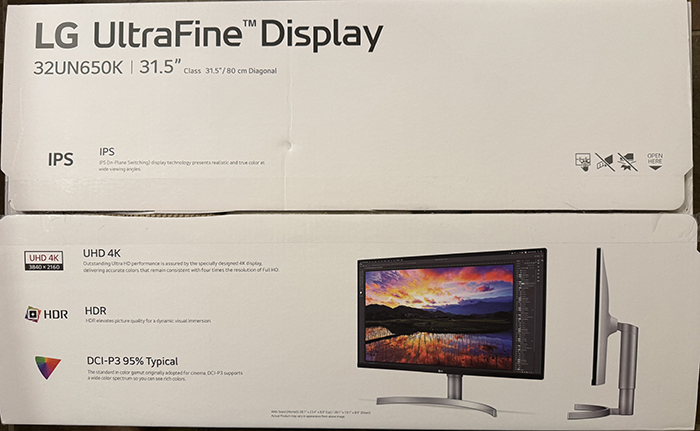
UHD 4K
HDR
And it does have two HDMI ports. No remote because it is not a TV.
12-06-2024, 11:05 PM
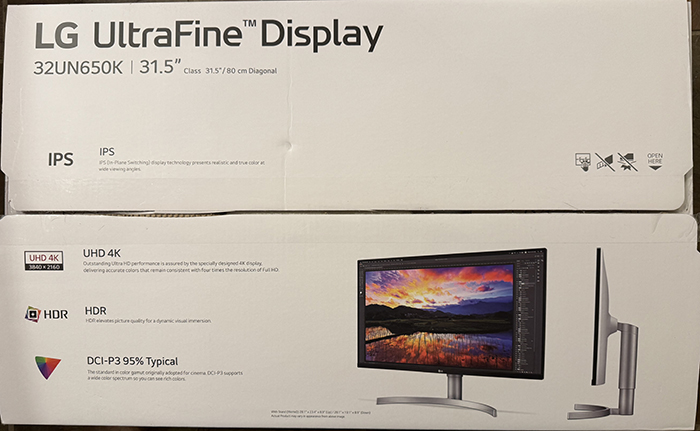
UHD 4K
HDR
And it does have two HDMI ports. No remote because it is not a TV.
12-06-2024, 11:05 PM
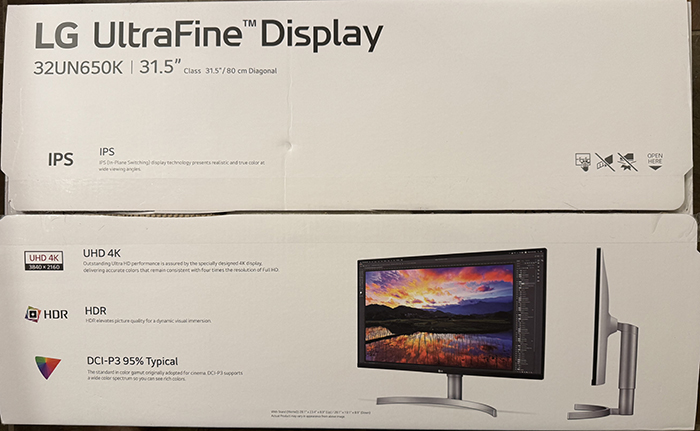
UHD 4K
HDR
And it does have two HDMI ports. No remote because it is not a TV.
12-06-2024, 11:05 PM
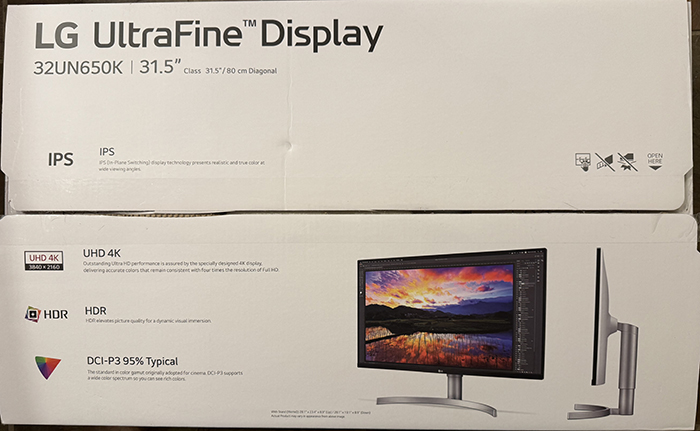
UHD 4K
HDR
And it does have two HDMI ports. No remote because it is not a TV.
12-06-2024, 11:06 PM
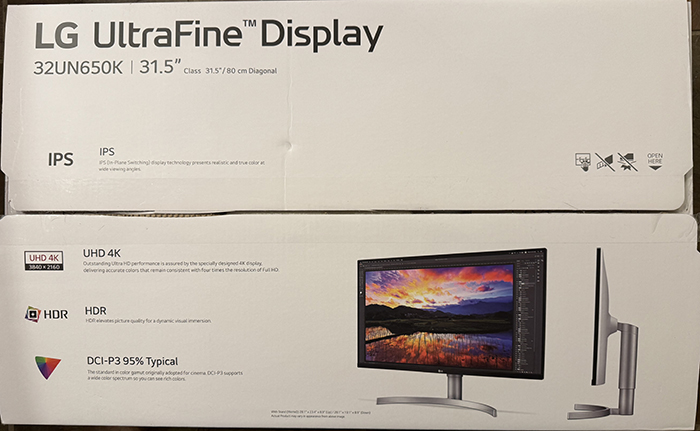
UHD 4K
HDR
And it does have two HDMI ports. No remote because it is not a TV.
12-06-2024, 11:06 PM
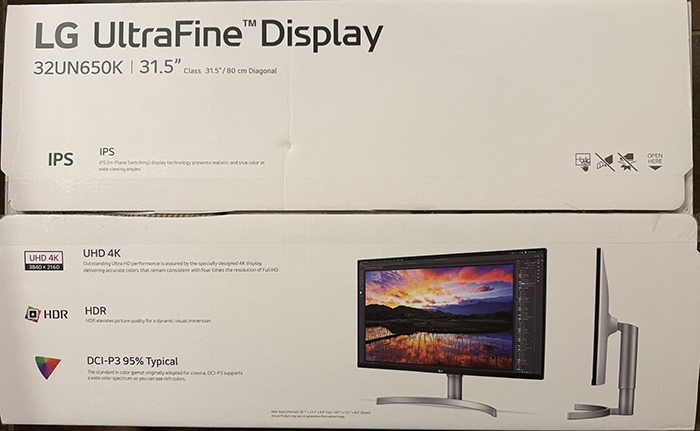
UHD 4K
HDR
And it does have two HDMI ports. No remote because it is not a TV.
12-06-2024, 11:07 PM
Sorry.. I did not think it went thru so hit send a few times.
12-07-2024, 10:19 AM
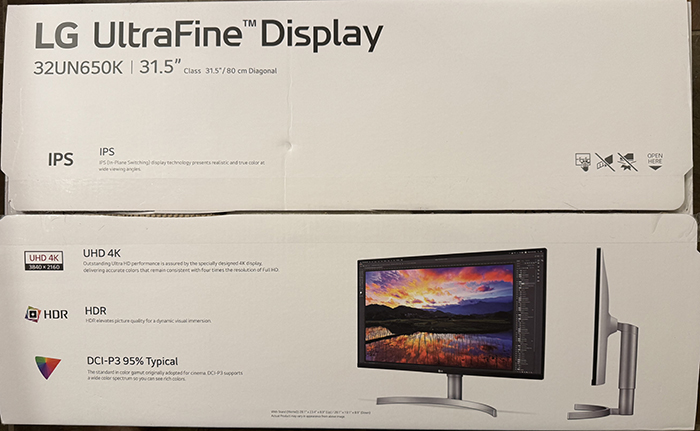
UHD 4K
HDR
And it does have two HDMI ports. No remote because it is not a TV.
12-07-2024, 10:20 AM
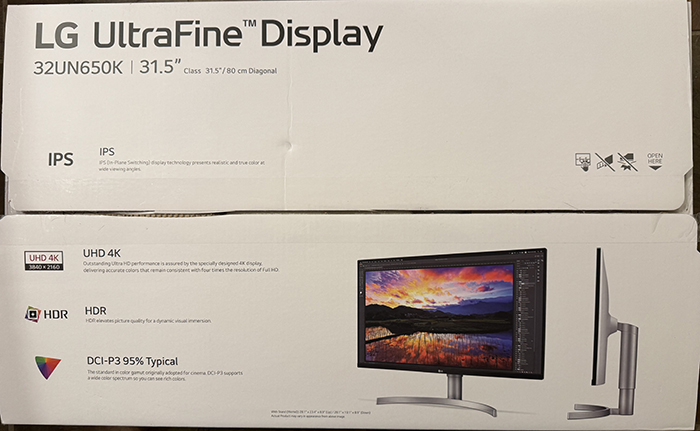
UHD 4K
HDR
And it does have two HDMI ports. No remote because it is not a TV.
12-07-2024, 10:25 AM
Sorry.. When I hit "Submit", I did not think it worked. Obviously it really worked lots of times. If there is a way to delete the duplicated posts, let me know.
Login to post a reply.
All images on this site are copyrighted by the photographers and are intended for viewing only. They are
not to be downloaded or reproduced in any way without the written permission of the photographer.
not to be downloaded or reproduced in any way without the written permission of the photographer.